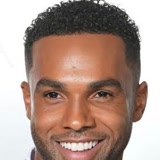
Original armored demo
Watch the full transformation with music.
Turn one portrait into a Nightwing-inspired transformation and dance.
Your photo is used to create this video. Only upload a photo you have permission to use.
Uses 1 720p generation · Confirmed technical failures return it
Download within 24 hours of submission. Expired files are scheduled for deletion.
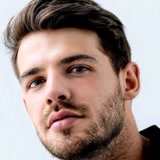
One generation creates your fixed dance video with music. AI results can vary.
Silent demo. Your result will appear here when ready.
Watch the full transformation with music.
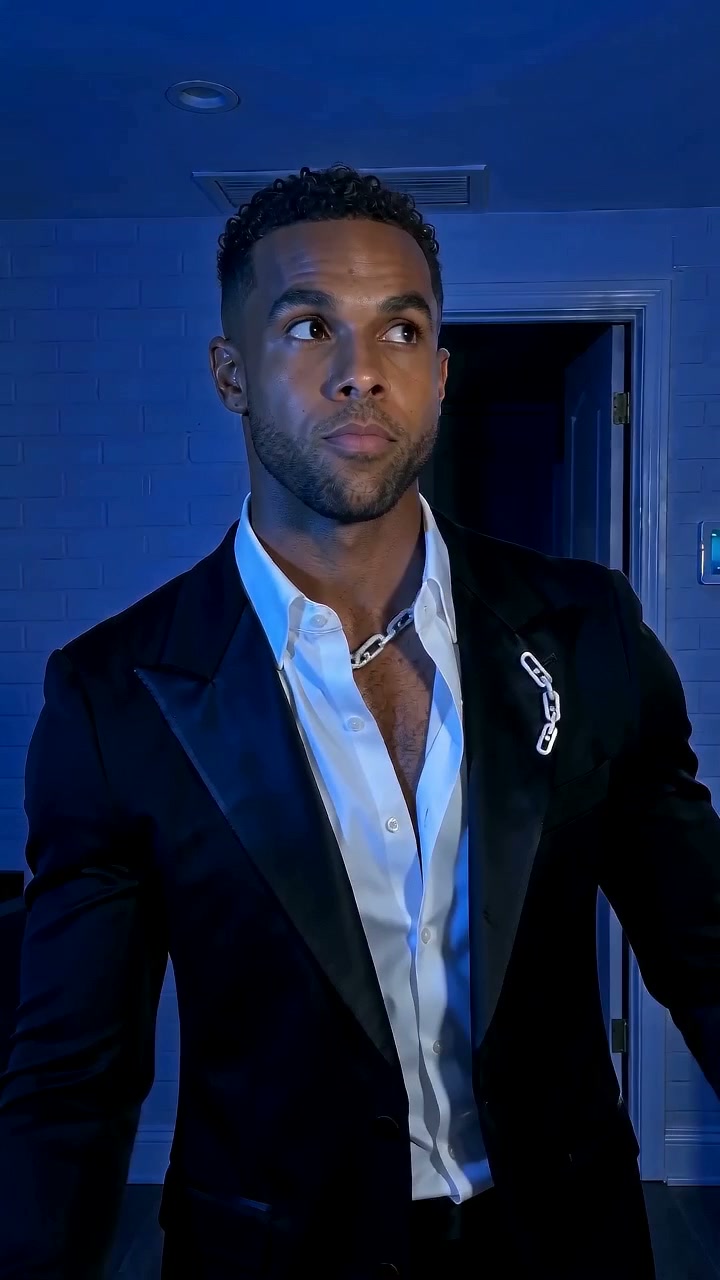 01 / BEFOREVIDEO FRAME
The opening moment, before the suit appears.
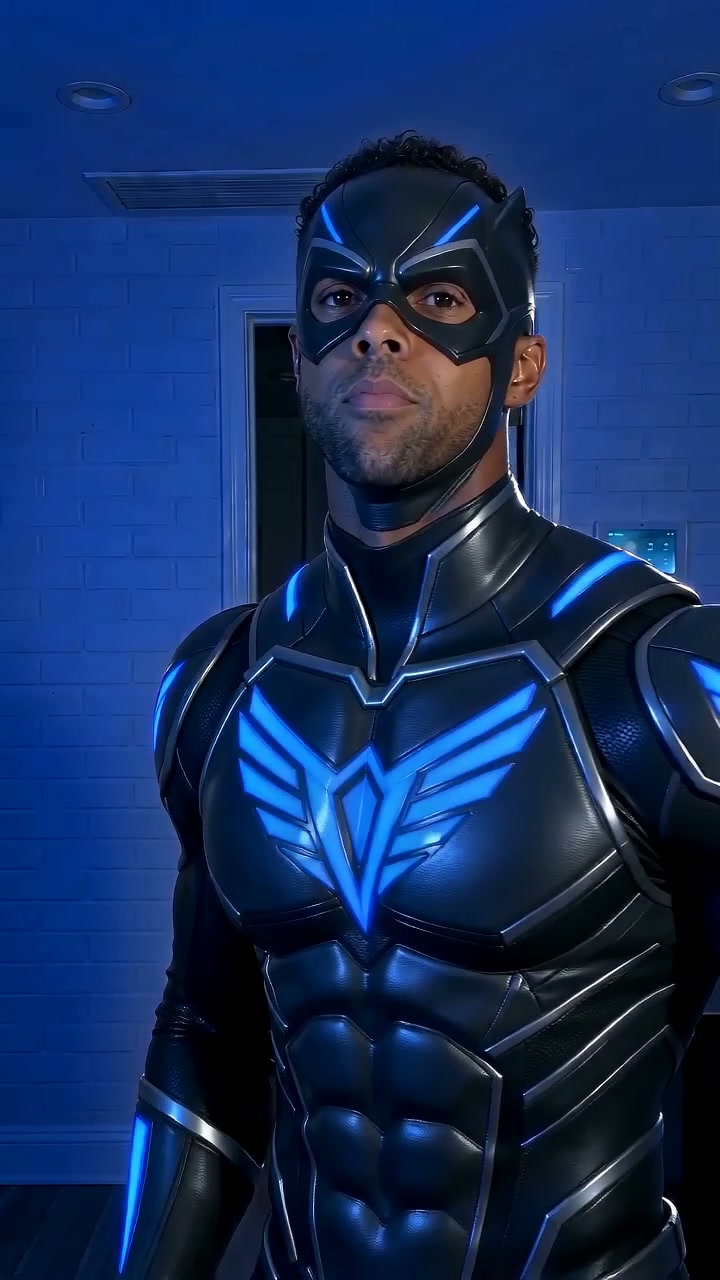 02 / SUIT UPVIDEO FRAME
Black armor. Electric blue. The transformation.
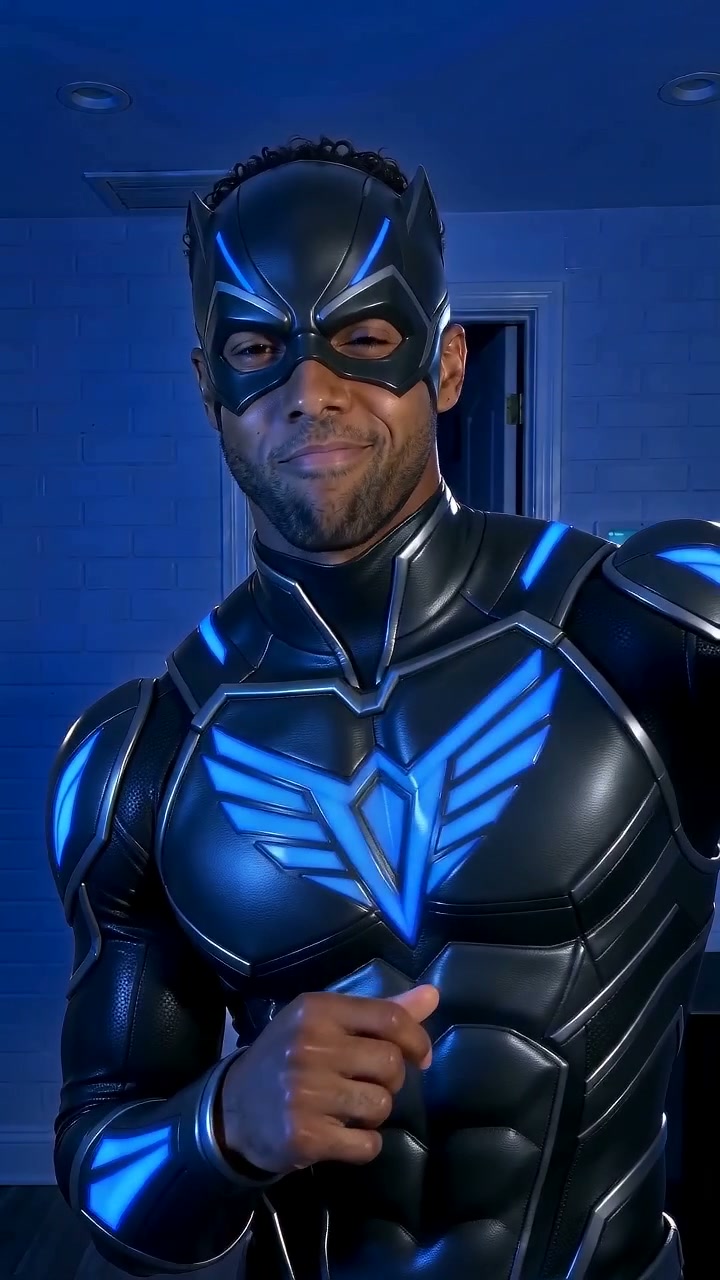 03 / DANCEVIDEO FRAME
The same performer, now in the complete suit.
Pick a clear portrait. Good lighting, one person, and a face we can see.
One fixed dance, black-and-blue costume and vertical 8-second format.
Your video is created in the background and music is added afterward. Find the result in My account.
One portrait becomes an approximately eight-second transformation and dance, using Seedance 2.5 and a fixed motion reference. Music is added after generation.
| Feature | 480p Standard | 720p HD |
|---|---|---|
| Model | Seedance 2.5 | Seedance 2.5 |
| Length & framing | About 8 seconds · 9:16 | About 8 seconds · 9:16 |
| Music | Added after generation | Added after generation |
| Purchase | $1.99 Starter · once per account | See current HD packs |
| Download access | 24 hours from submission | 24 hours from submission |
Facial likeness, clothing details and choreography can vary. Gallery demos show the original armored style; the current generation prompt requests a fitted leather suit.
Sources: Kie AI’s Seedance 2.5 model information · DC’s Nightwing character profile. These references describe the technology and inspiration, not an endorsement.
Maintained by Nightwing AI Video · Updated .
Choose a topic. Read the details when you need them.
Nightwing is the superhero identity adopted by Dick Grayson after his time as Robin, Batman’s partner. His background as a circus acrobat helps explain the character’s agility and expressive movement. That combination makes Nightwing a fitting inspiration for a transformation followed by a dance.
Our Nightwing videos interpret the black-and-blue superhero look through AI imagery. They are independent fan-inspired examples, not footage from a film or an official costume product. For the character’s history, read DC’s official Nightwing profile.
A Nightwing AI video pairs an everyday portrait with a superhero transformation: the outfit changes, the reveal lands, and the performer continues the choreography. The appeal comes from that contrast between a familiar face and a dramatic new appearance.
Searching for “night wing AI” leads to the same idea; Nightwing is the character’s standard spelling. This studio focuses on one fixed dance reference. The Nightwing demos show the visual direction, while individual results can differ in facial likeness, fabric, lighting and movement.
For your Nightwing transformation, use a sharp portrait with one visible face. Soft daylight, an unobstructed hairline and a simple background make a useful starting point. Keep your eyes visible and leave space around your head and shoulders instead of uploading an extreme close-up.
Avoid sunglasses, strong beauty filters, motion blur and group pictures. Upload a JPG, PNG or WebP under 10 MB. A cleaner source gives the Nightwing generator clearer facial information, but it cannot guarantee an exact likeness. Use a photo you have permission to use.
Try an everyday-to-hero contrast: choose a casual portrait and let the armored reveal supply the surprise. For a dress-up theme, start with a smart jacket or party outfit. A Nightwing birthday greeting or cosplay mood board can use the same short clip with your own caption added afterward.
These are presentation ideas, not extra templates or scene controls. The Nightwing choreography stays fixed. Personalize the introduction, cover image or caption in your editing app, keeping text away from the face and the moment the costume appears.
Watch the complete Nightwing clip before sharing it. Check the eyes, smile, hairline and hands both before and after the reveal. Look for costume changes between frames, unexpected facial shifts or movement that feels disconnected from the body.
The Before thumbnail identifies the portrait paired with each example; it is not your uploaded photo. The original armored example in the gallery includes music. Generated videos follow the service’s music workflow. Review the finished file rather than assuming every example has identical sound or quality.
The Nightwing output is a vertical, eight-second video suited to a phone screen. Keep that portrait framing when editing for Reels, Shorts or TikTok so the head and costume remain visible. Preview captions inside your destination app, where interface buttons may cover the edges.
Download your Nightwing result within 24 hours of submission, then keep a local copy. Check any music permissions before publishing. Review generation packs for current availability, find completed tasks in My account, and read the Privacy policy for how uploaded photos are handled.
Photo tips, availability and privacy.
It is a photo-to-video transformation: an everyday portrait becomes a Nightwing-inspired superhero reveal followed by a dance, with a black-and-blue suit and eye mask.
Choose a sharp, well-lit photo of one adult with their face clearly visible. A front-facing waist-up portrait works well. Avoid sunglasses, heavy filters and group shots.
Sign in, choose a generation pack, and upload a clear photo. Seedance 2.5 uses your photo and a fixed dance reference to create an approximately 8-second vertical video at your purchased quality, 480p or 720p. Music is added afterward. Find the finished video in your account. AI likeness and movement can vary.
Submitting uploads your photo to private storage and gives Kie AI temporary access for generation. Download finished videos within 24 hours of submission. Expired media is scheduled for deletion. See our Privacy policy for details.
No. This is an independent fan-inspired creation tool and is not affiliated with or endorsed by DC or Warner Bros. Nightwing and related characters belong to their respective rights holders.